
If the search terms in one of your Search campaigns got wider in September, and nobody on your team touched the keywords, check one thing first. Google may have moved that campaign to AI Max.
AI Max is Google's bundle of three automatic features for Search campaigns. It can match your ads to searches beyond your keyword list, write extra headlines and descriptions, and send the click to a different page on your site than the one you chose.
Google announced the upgrade on April 15, 2026, edited that same post on June 11, and started moving campaigns on September 1. From the edited post:
“Please note that campaigns using Automatically Created Assets (ACA) and campaign-level broad match setting will continue to be auto-upgraded starting in September 2026.”
Six more changes follow. One has a hard date: October 7, 2026.

1. Google moved some existing Search campaigns to AI Max
Date: announced April 15, 2026 and edited June 11. The upgrade runs September 1 to 30, 2026. Google's post: “We expect all upgrades for eligible campaigns to conclude by the end of September.”
What changed. Only two kinds of Search campaign were moved. The first used the campaign-level broad match setting. That is one switch in campaign settings that treats every keyword in the campaign as broad match. It is not the same thing as having ordinary broad match keywords. The second used automatically created assets, an older opt-in where Google wrote extra headlines and descriptions for you. A Search campaign with neither was not touched.
The two groups got different defaults. Google's words for the first group: “For campaign-level broad match setting users: Your campaigns will upgrade to AI Max with search term matching enabled by default.” For the second: “For ACA users: Your campaigns will be upgraded to AI Max with search term matching and text customization enabled by default.” Text customization is the feature that writes ad copy. The page-picking feature, final URL expansion, was left off for both groups.
Dynamic Search Ads, the older campaign type that builds ads from your website, were not part of this. The June 11 edit moved them to February 2027. Google's developer blog says: “Your active legacy DSA campaigns are excluded from the September auto-migrations and will continue to serve as normal.”
What it does to your numbers. My reasoning, not Google's statement: a moved campaign may have a wider search terms report from early September. A campaign from the second group may also show headlines nobody on your team wrote. Google has published neither effect.
Do this. Find the Search campaigns that were moved. Compare September search terms with August. In the second group, read the new headlines. Two cautions. Google's help page says that turning text customization off marks the generated assets as removed, and they stop serving, so off and on again is not a clean round trip. And if you pin headlines for legal reasons, leave final URL expansion off. Google's help page: “To always use pinned assets, turn off Final URL expansion.”
2. The language setting is leaving Search campaigns
Date: announced August 13, 2026 on Google's developer blog. Effective late September 2026. Google gave no exact day, so I will not give one either.
What changed. Google's words: “For Search and AI Max for Search campaigns, the campaign-level language targeting setting will be removed. Search ads will automatically match based on the language of your ads.” Performance Max, Google's campaign type that runs across all its channels from one budget, stops using the setting on Google Search only. Elsewhere: “On other channels (like YouTube, Display, Discover, Gmail): The campaign-level language setting you select will continue to be used to guide who sees your ads.” Existing campaigns keep serving.
What it does to your numbers. My read: if you split English and Spanish into separate campaigns, that setting was the wall between them. Budget may move between them.
Do this. List the campaigns that exist only for a language split. Make each ad and landing page clearly one language. You are editing ads here, not settings, so it is safe to undo.
3. Your daily history now stops at 37 months
Date: announced May 1, 2026. Effective June 1, 2026.
What changed. Daily, weekly and hourly data older than 37 months is no longer returned by the Google Ads API (the connection your tools use to read the account), by Google Ads scripts, or by the transfers that copy data into BigQuery, Google's data warehouse. Google did not delete your history. Its developer blog: “High-level data (monthly, quarterly, and yearly) will continue to be available for 11 years.” Google does not say whether the Google Ads screen itself has the same limit, so I am not claiming it does.
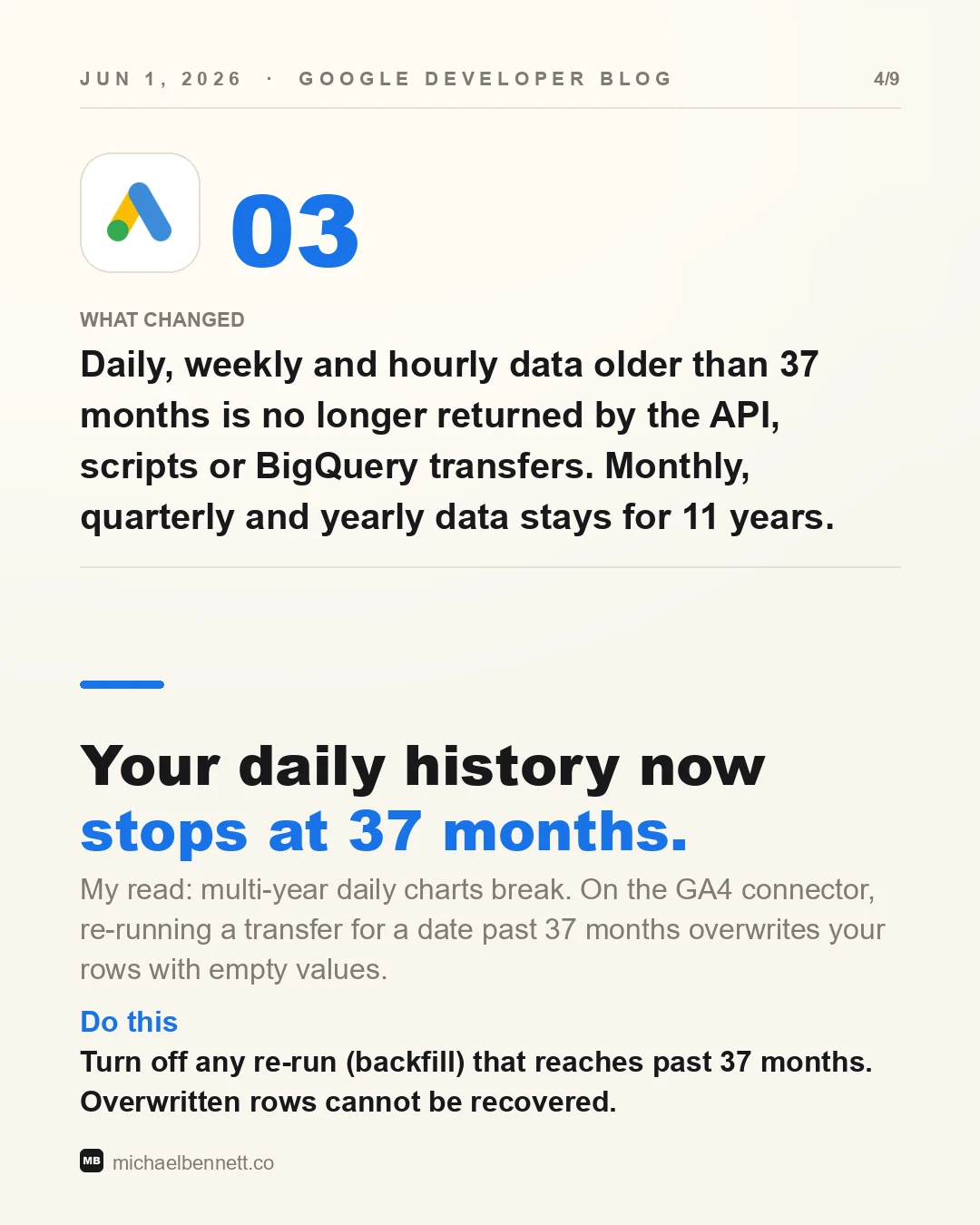
What it does to your numbers. My read: charts of daily data across four or five years break or come back shorter. The worse case is on the Google Analytics 4 connector for BigQuery. A backfill means re-running a data transfer for past dates. Google says that “if a transfer is manually triggered for a report date 37-months or older, the data of the date in BigQuery table will be overwritten by empty value.”
Do this. Turn off any re-run (backfill) that reaches past 37 months. An overwrite cannot be undone: those rows cannot be recovered, and Google's advice was to export before June 1.
4. Your ad tools face an October 7 cutoff
Date: September 9 and October 7, 2026. Google's own timetable still marks the October month as tentative. The October 7 date comes from Google's developer blog reminder.
What changed. Two things. On September 9, Google retired developer tokens, the 22-character keys that ad tools used to connect to the Google Ads API. Access now belongs to a Google Cloud project. Nothing broke that day. Google: “Your existing code will continue working without any changes.” Old tokens are ignored, not rejected.
The date that can break things is the second one. Google: “Google Ads API v22 will sunset on October 7, 2026. Starting on this date, all v22 API requests will begin to fail.”
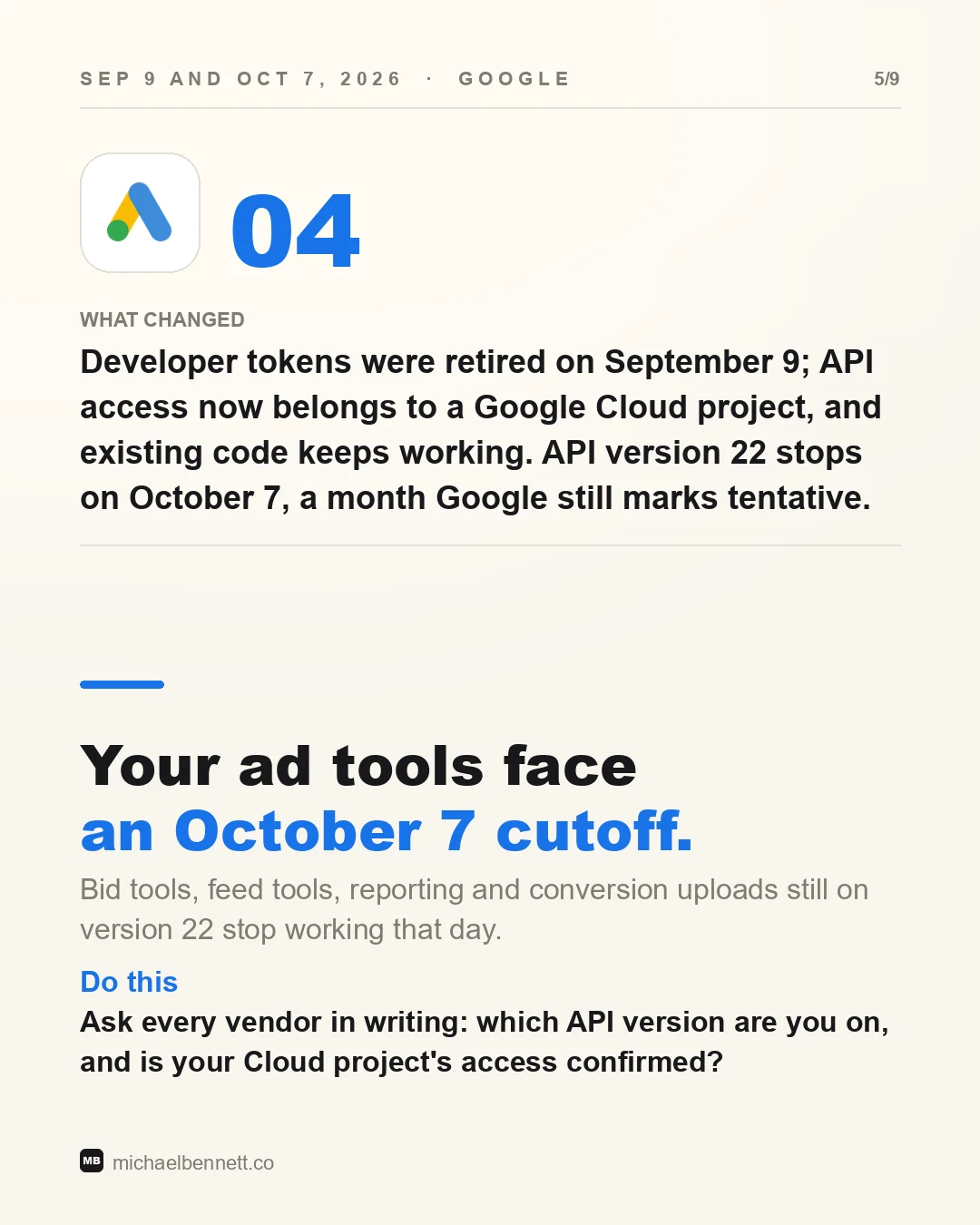
What it does to your numbers. Google says every version 22 request fails from that day. My read: that means bid tools, feed tools, reporting and conversion uploads still on version 22.
Do this. Ask every vendor in writing: which API version are you on, and is your Cloud project's access confirmed?
5. Pause your data uploads and you may not get back in
Date: April 1 and June 15, 2026, from Google's deprecations page.
What changed. Customer Match is the feature where you upload your customer list so Google can target those people. Offline conversion uploads tell Google which leads became sales. Google closed both, inside the Google Ads API, to anyone who had not used them recently. Its words: “Developer tokens with no Customer Match requests between October 1, 2025 and March 31, 2026 are restricted from using the Google Ads API for Customer Match workflows.” And: “Developer tokens with no offline conversion upload requests between December 17, 2025 and June 15, 2026 are restricted from using the Google Ads API for offline conversions.”
Active users keep both. Everyone else is sent to the Data Manager API, Google's newer single connection for sending your own customer and conversion data to its ad products. The rules were written for developer tokens, which no longer exist. Google covers that too: “Note: Developer tokens have since been deprecated in favor of Google Cloud projects, but this historical access restriction remains in effect.”
What it does to your numbers. My reasoning: the trap is a pause. If uploads stopped during a CRM move and sat dark through the whole window, restarting them may fail, and the fix is a new integration. Google does not say whether lost access can be appealed.
Do this. Check when each upload last ran successfully, not whether it is set up.
6. Your impressions can fall with nothing disapproved
Date: August 5, 2026, Google Ads policy. The policy is older. What changed is its reach: it now covers all of Google Ads. Google: “Implementation will begin gradually and will be completed by 2028.”
What changed. Google can limit impressions for advertisers it judges unqualified. It weighs user reports, account age and verification, among other factors. The only signal is a notice: “Unqualified advertisers who have a meaningful proportion of impressions in scope of this policy will receive an in-account notification. Individual ads will not be disapproved.”
What it does to your numbers. Most advertisers will see nothing. Google: “If you're a qualified advertiser, your ad impressions aren't limited by this policy.” My read: resellers, affiliates and new or unverified accounts are most exposed.
Do this. Complete advertiser verification, then check your notifications for a limited ad serving notice.
7. Google is testing AI text next to your ad
Date: May 20, 2026, announced at Google Marketing Live. In testing. No launch date.
What changed. AI Mode is the chat-style answer view in Google Search. Google is testing ads inside those answers: “That's why we're testing two new types of ads, built with Gemini, that offer relevant product details along with helpful guidance.” Both carry what Google calls an independent AI explainer. Google: “Our Gemini model evaluates and synthesizes information about a product or service, and displays that context alongside the advertiser's creative.”
What it does to your numbers. Nothing yet. My read: these are words inside your paid ad that you did not write and cannot approve. Gemini reads your feed and product pages to write them. Google has published no pricing, reporting or opt-out.
Do this. Read your top ten product pages the way a buyer would. Fix the three thinnest.
What to do this week
Do these three before October 7.
- Find the Search campaigns moved to AI Max in September. Read their search terms and any new headlines.
- Email every vendor about API version 22 before October 7.
- Turn off re-runs (backfills) past 37 months on the GA4 BigQuery connector. Overwritten rows cannot be recovered.
Several of these took away something you used. Find out which ones you were relying on.
Sources: verified September 21, 2026 against Google's Ads blog, its Ads developer blog, the Google Ads API deprecations, developer token and sunset pages, the Google Ads help page for AI Max, and the limited ad serving policy page. Help, policy and API pages were read through archive copies. Google's sunset table still marks the API version 22 month as tentative. Quotations are exact. Lines marked my read or my reasoning are mine, not Google's.
Working out where AI actually fits in your marketing?
I write these while building the systems behind them: measurement, creative pipelines, and agents that do real work. Connect on LinkedIn and tell me what you are working on. That is where these conversations start.
Connect on LinkedIn